XSaved https://xsaved.com

The bookmark manager X never built.
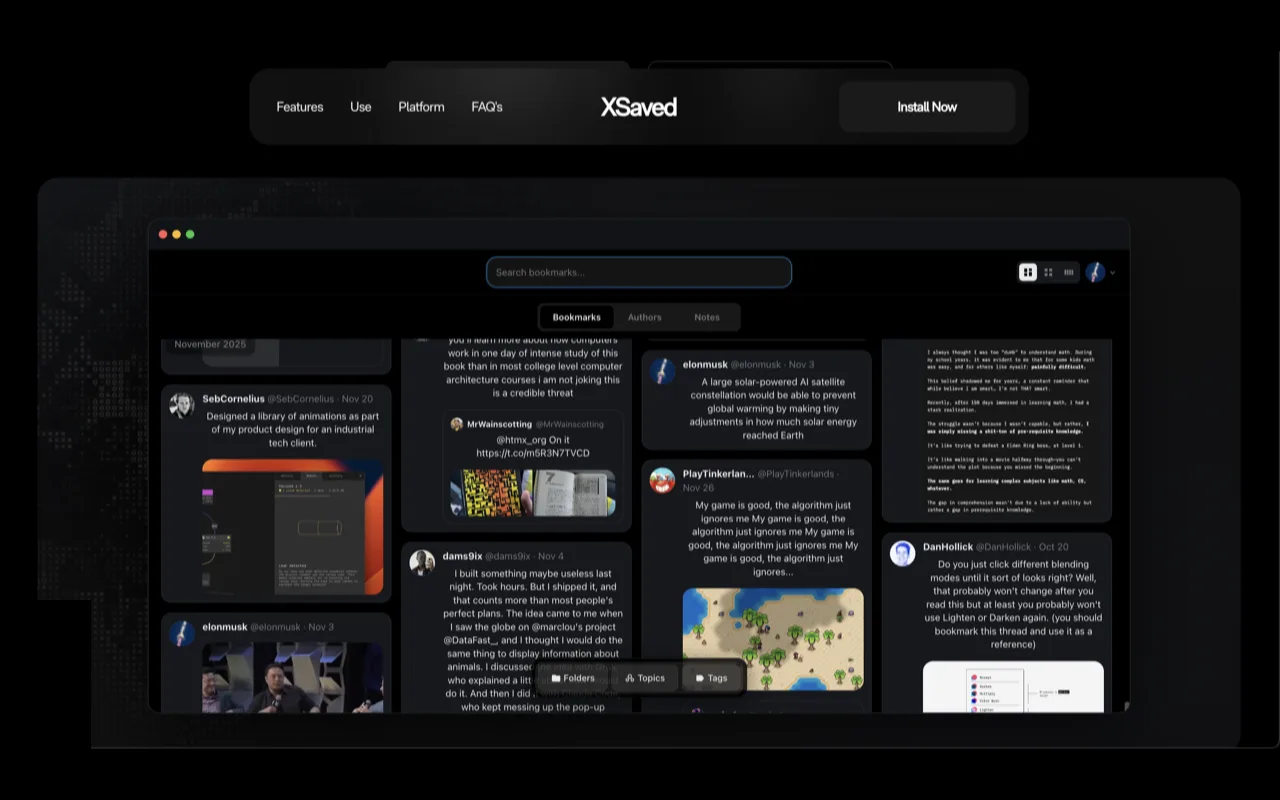
If you've ever saved a tweet and never found it again, you already know the problem. X bookmarks are one endless list — no search, no way back to that one post you actually needed.
XSaved fixes that. Install it, open X, and your bookmarks turn into a proper library you can search, sort, and come back to.
Find anything in seconds
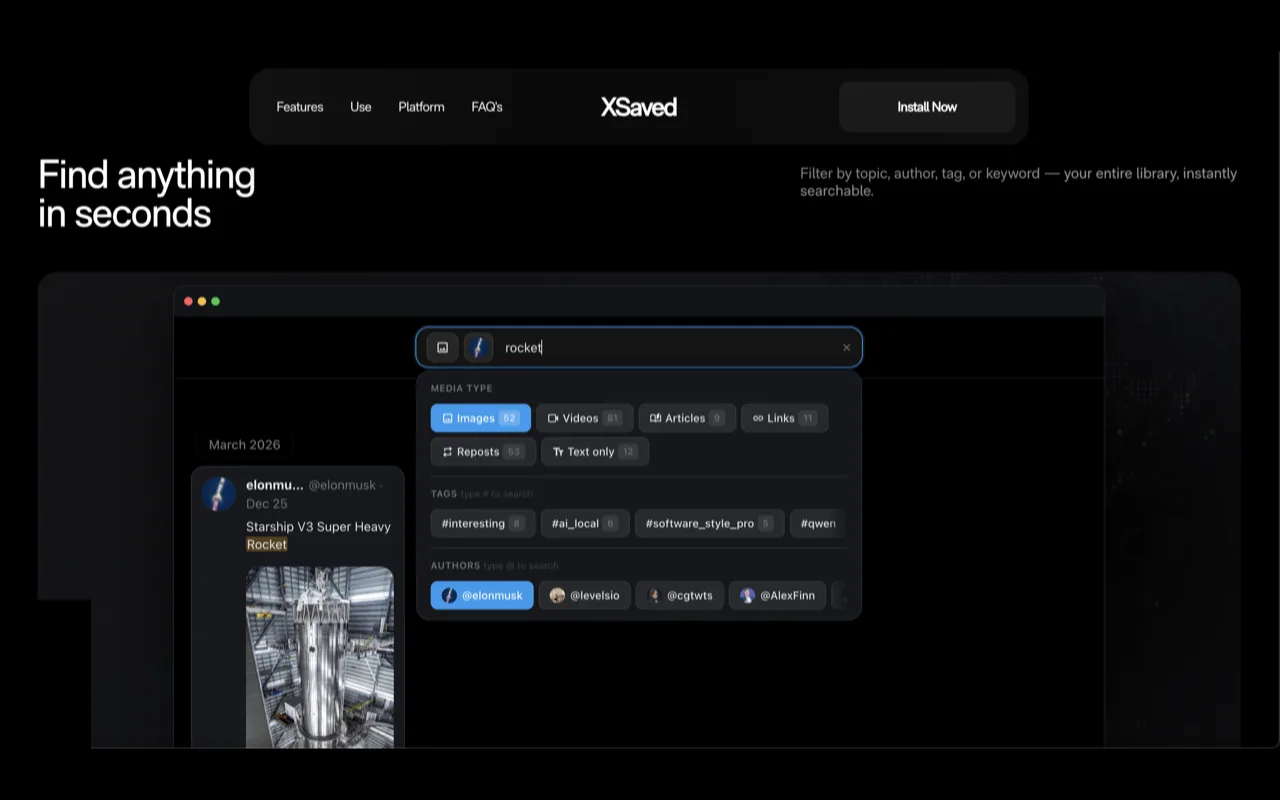
Type a word, a name, a topic. XSaved digs through everything you've ever saved and brings it up instantly — no more scrolling for ten minutes hoping to recognize it.
Organized the moment you open it
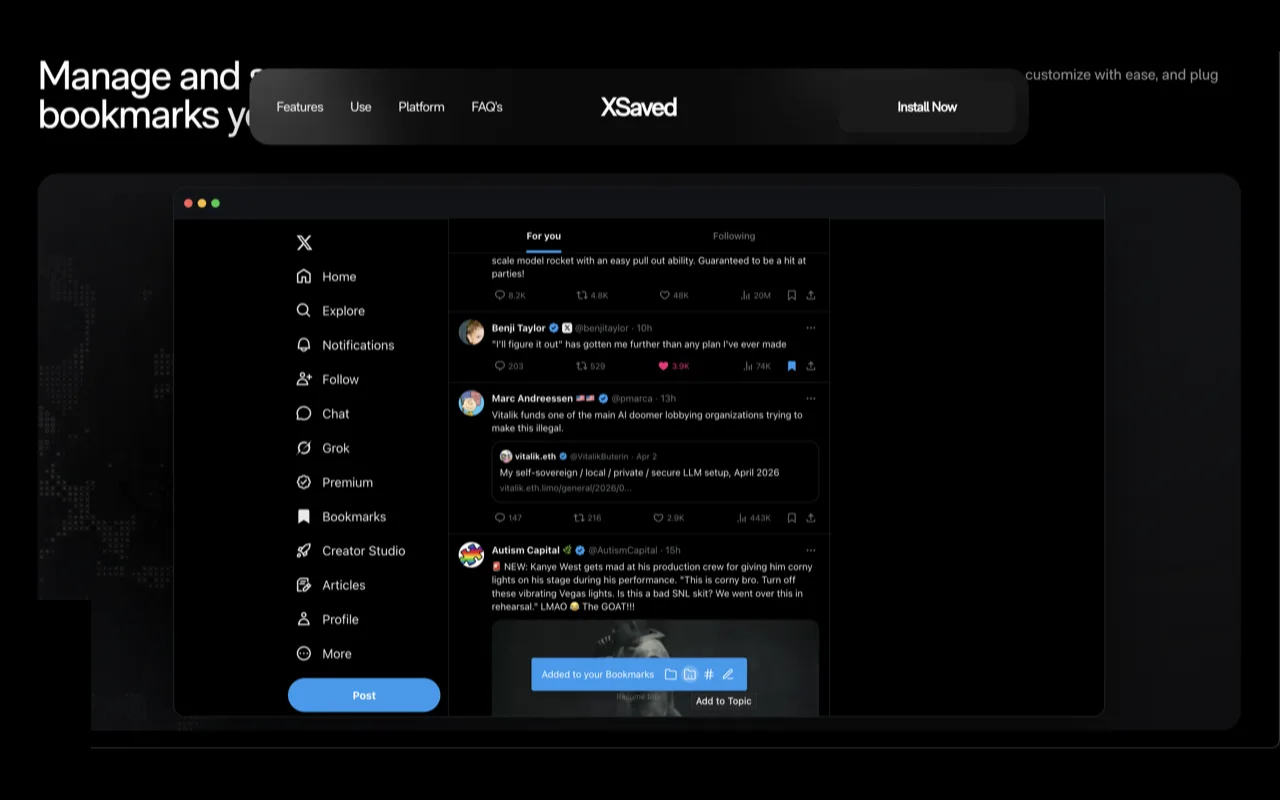
Your saves arrange themselves into a clean, visual grid and group by topic, so related posts sit together. Filter by author, tag, or media type whenever you want to narrow things down.
Keep your own notes
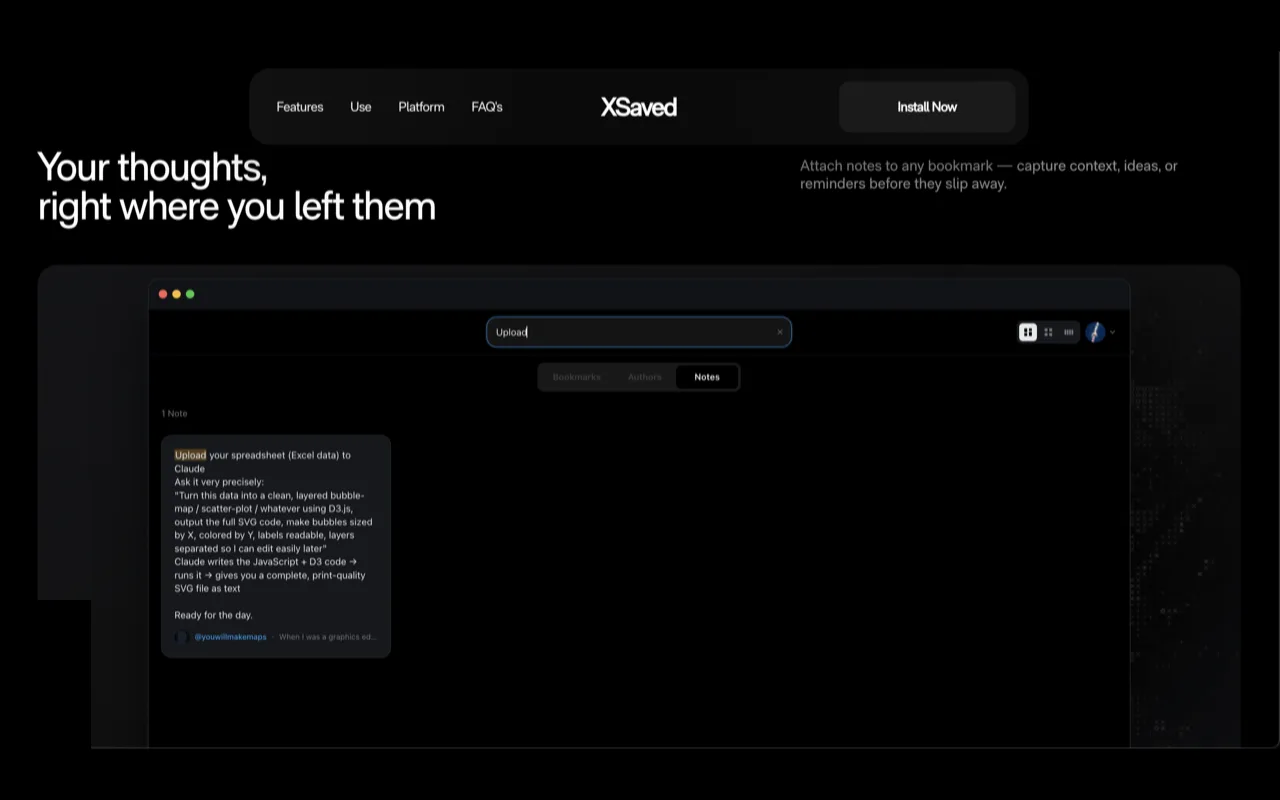
Add a quick note to any bookmark — why you saved it, what to do with it later. The context stays with the post, so you never have to remember.
It's yours, and it stays yours
Everything lives on your own device. There's no account to create and nothing handed off to a server you don't control. Fast, private, and entirely yours — and if you want your library on more than one machine, cloud sync is there as an option, never a requirement.
How it's built
The extension is local-first: everything lives in the browser's IndexedDB, so there's no server in the loop and nothing to wait on. Full-text search stays instant across tens of thousands of bookmarks by leaning on the right indexes plus a layered cache that reuses work from one keystroke to the next. Optional cloud sync landed in v0.96 for people who want their library on more than one machine.
One library, every screen
XSaved grew into a family: the extension in your browser, a native iPhone app, and a native Mac app, all backed by one shared sync layer. Save something at your desk and it shows up on your phone on its own.
Get it
XSaved is live on the Chrome Web Store. Add it, open your bookmarks on X, and your library fills in as it syncs. See it in action at xsaved.com.